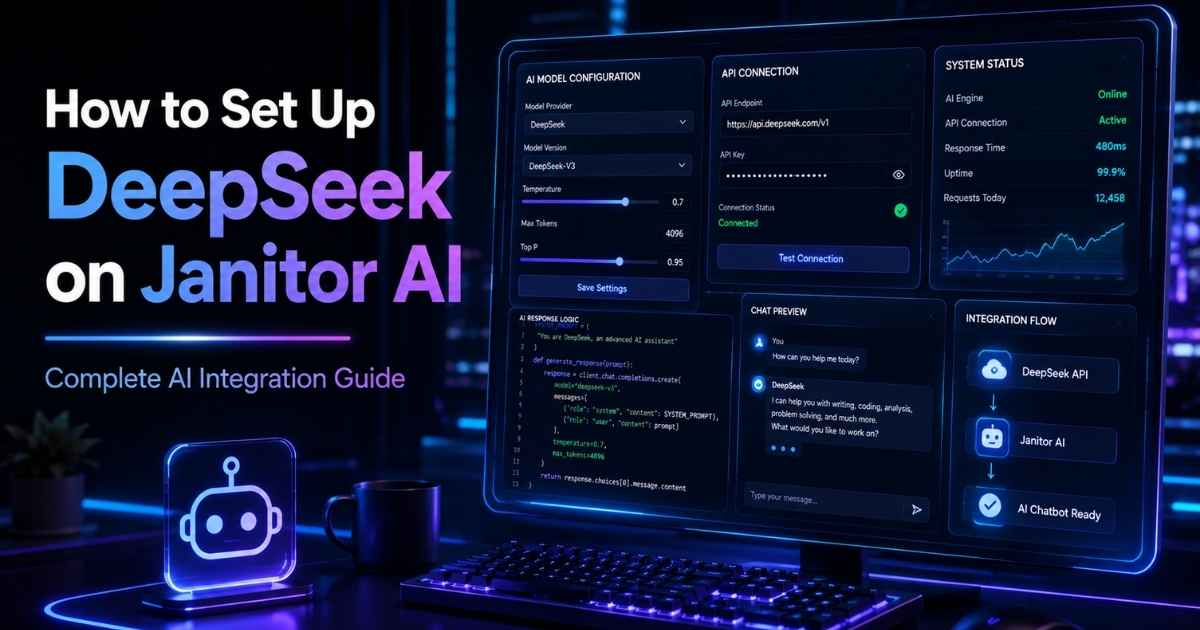
If you’re searching for how to set up DeepSeek on Janitor AI, you’re not alone. DeepSeek has quickly become one of the most popular AI models thanks to its impressive reasoning abilities, coding performance, and affordable API pricing.
In this guide, we’ll walk through the setup process and introduce an easier alternative that many users are discovering: ChatJanitor.

What Is DeepSeek?
DeepSeek is a powerful large language model (LLM) that can be integrated with various AI chat platforms, including Janitor AI. Many roleplay enthusiasts, AI chatbot creators, and power users prefer DeepSeek because it delivers strong conversational quality while remaining cost-effective.
How to Set Up DeepSeek on Janitor AI
Follow these steps:
Step 1: Create a DeepSeek Account
Visit the DeepSeek platform and create an account.
Step 2: Generate an API Key
Navigate to the API dashboard and create a new API key.
Keep this key secure because you’ll need it to connect DeepSeek to Janitor AI.
Step 3: Open Janitor AI Settings
Log in to Janitor AI and navigate to:
Settings → API Settings → Custom/OpenAI Compatible API
Step 4: Enter DeepSeek Configuration
Fill in the required fields:
- API URL
- API Key
- Model Name (such as DeepSeek Chat or DeepSeek Reasoner)
Save the configuration.
Step 5: Test Your Chatbot
Open a character and start chatting.
If everything is configured correctly, Janitor AI will begin generating responses using DeepSeek.
Common Problems When Connecting DeepSeek to Janitor AI
Users often encounter:
- Invalid API key errors
- Rate limit issues
- Incorrect endpoint URLs
- Configuration conflicts
- Slow response times during peak hours
Double-check your API settings and ensure your DeepSeek account has sufficient credits if required.
A Simpler Alternative: ChatJanitor
While Janitor AI with DeepSeek can work well, many users prefer a simpler experience that doesn’t require manual API setup.
ChatJanitor focuses on providing a smooth AI chat experience with minimal configuration. Instead of managing API endpoints, model settings, and technical integrations, users can jump directly into conversations.
Why Users Like ChatJanitor
- Easy onboarding
- Fast character chat experience
- No complicated setup process
- Modern interface
- Engaging conversations
- Responsive AI interactions
Whether you’re interested in roleplay, storytelling, casual conversations, or AI companions, ChatJanitor is designed to make chatting effortless.
DeepSeek on Janitor AI vs ChatJanitor
| Feature | Janitor AI + DeepSeek | ChatJanitor |
|---|---|---|
| Manual API Setup | Required | Not required |
| Technical Knowledge | Helpful | Minimal |
| Setup Time | Several minutes | Immediate |
| Character Chat | Yes | Yes |
| User Experience | Depends on configuration | Streamlined |
Final Thoughts
If you’re looking for how to set up DeepSeek on Janitor AI, the process is relatively straightforward once you have your API key and endpoint information ready.
However, if you’d rather skip the technical setup and start chatting immediately, ChatJanitor offers a user-friendly alternative focused on immersive and engaging AI conversations.
For users who value convenience, fast onboarding, and enjoyable character interactions, ChatJanitor is becoming an increasingly popular choice.